手游青丘狐服务端+架设教程+各种工具
文章简介:
首先把qqh.zip放到服务器根目录
安装解压软件
#yum install -y unzip zip
安装JDK环境
#cd /
#chmod -R 777 /jdk-6u45-linux-x64-rpm.bin
#./jdk-6u45-linux-x64-rpm.bin
解压青丘狐服务端
#unzip qqh.zip
设置权限
#chmod -R 777 /home/
#chmod -R 777 /root/
启动服务端
#./start
关闭服务端
#./stop
清档
home/au/xdb/里头的全清
/export/data/里头的全清
php架设
#yum list installed | grep php
#rpm -Uvh http://ftp.iij.ad.jp/pub/linux/fedora/epel/6/x86_64/epel-release-6-8.noarch.rpm
#rpm -Uvh http://rpms.famillecollet.com/enterprise/remi-release-6.rpm
#yum list –enablerepo=remi –enablerepo=remi-php56 | grep php
#yum install –enablerepo=remi –enablerepo=remi-php56 php php-opcache php-devel php-mbstring php-mcrypt php-mysqlnd php-phpunit-PHPUnit php-pecl-xdebug php-pecl-xhprof
#yum install –enablerepo=remi –enablerepo=remi-php56 php-fpm
修改网站端口
/etc/httpd/conf/httpd.conf
搜Listen 80
Listen 80(要修改的端口默认80)
搜ServerName
ServerName loaclhost:80(去掉#号改成这个格式端口和上面一样)
重启网站
#service httpd restart
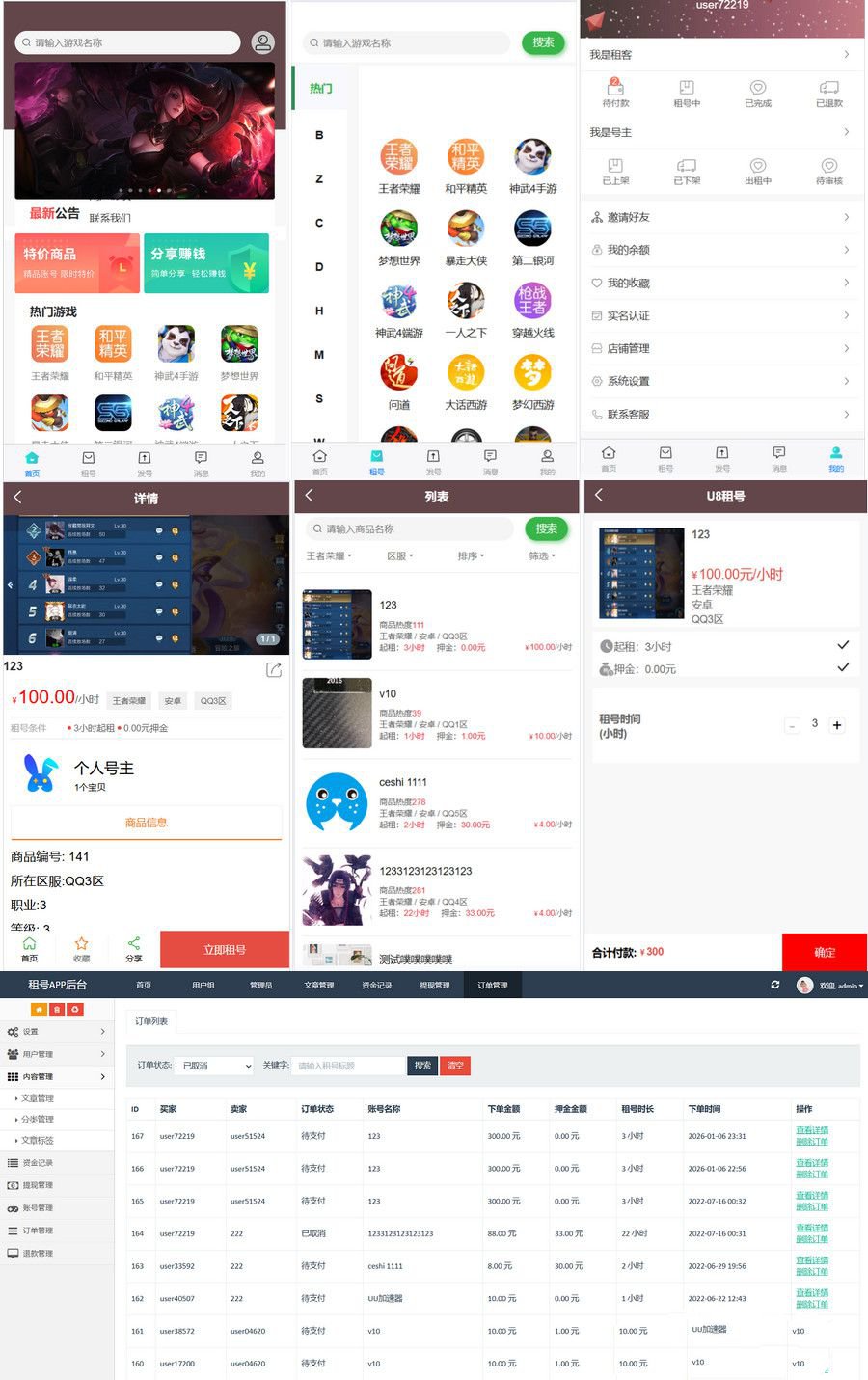
图片演示: